Mac account blocked? Unable to log in?
Please don't call the MyIT help desk
Avoid calling or submitting a ticket to the MyIT help desk if you've forgotten your password, as they are unable to assist and doing so will incur significant costs for Siemens.
If your Mac account is blocked and you need access to your recovery key, choose one of the options below and follow the instructions.
1. Company Portal
Use this option for managed devices.
From your Mac
- Log in to Company Portal.
- Scroll down and select Get Recovery Key.
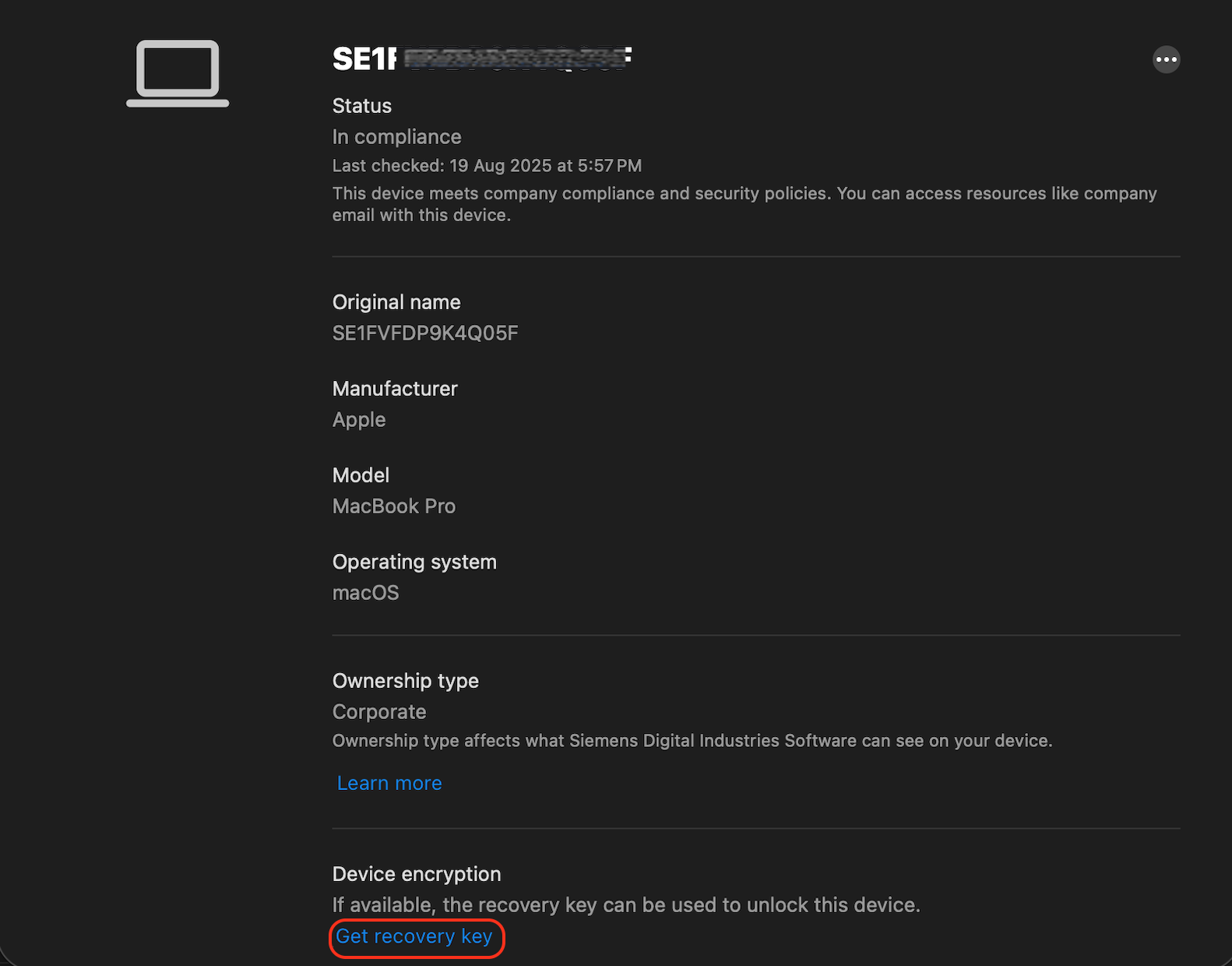
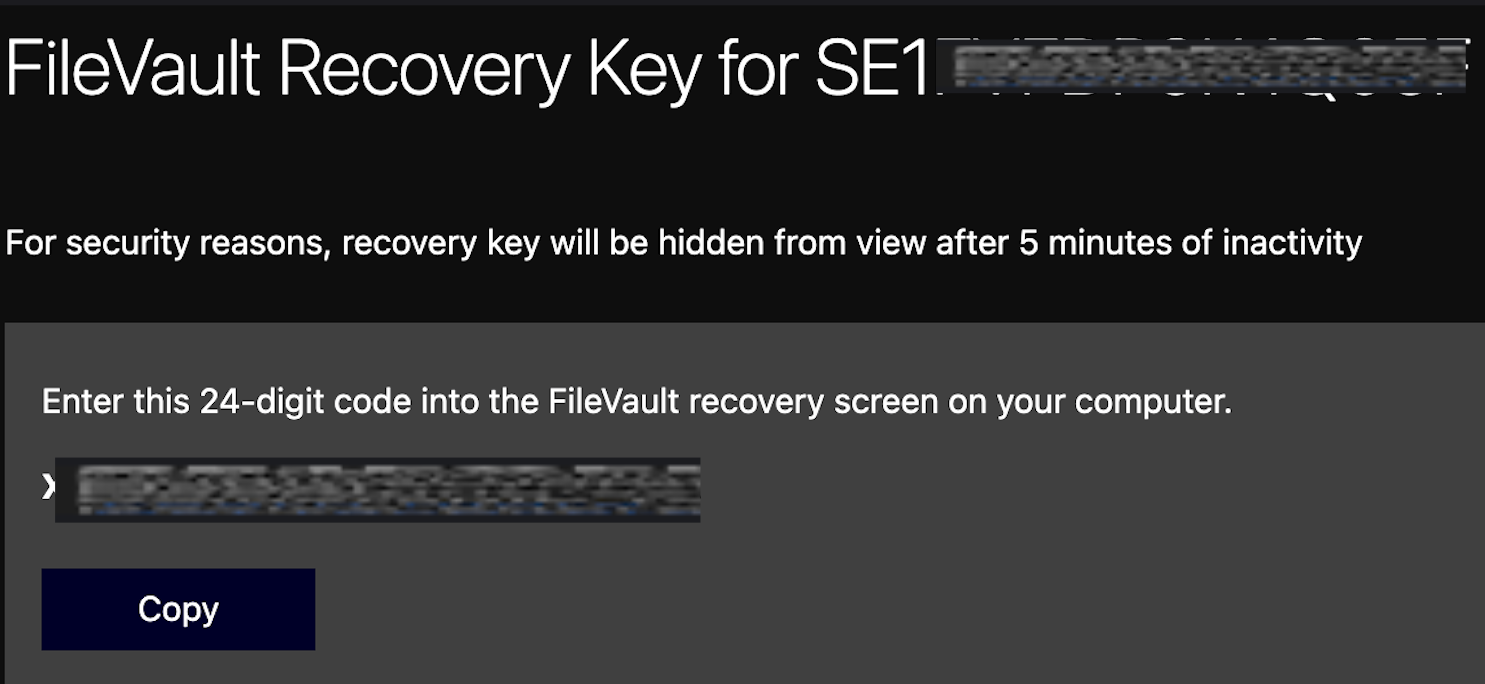
- You will be redirected to a website.
- Your recovery key will be shown. Select Copy to copy it.
From a mobile device
You can also access your recovery key from a mobile device:
- Open Company Portal.
- Go to the Devices tab and select your Mac.
- Scroll down and select Get Recovery Key.
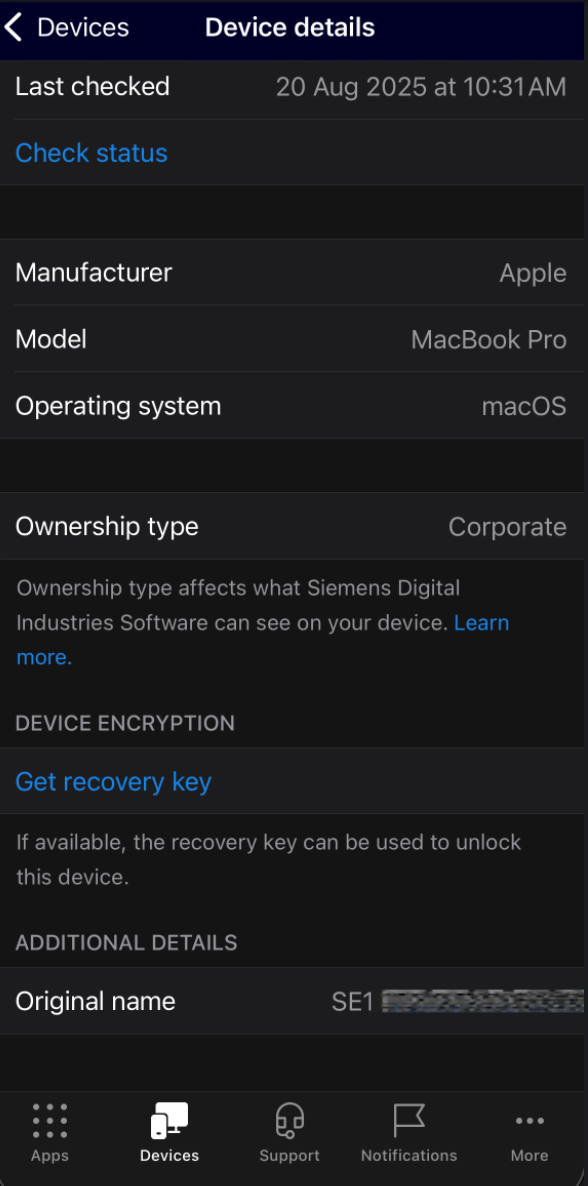
- You will be redirected to a website.
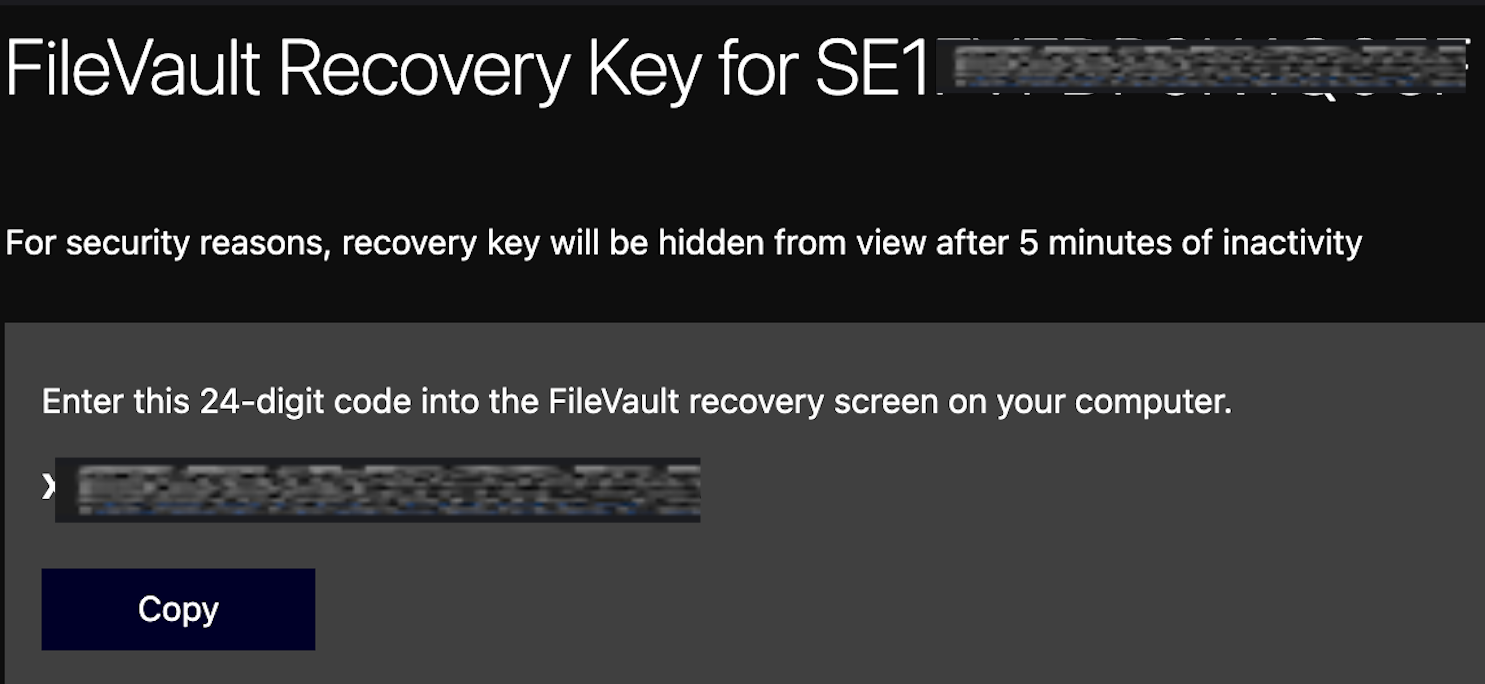
- Your recovery key will be shown. Select Copy to copy it.
2. MyIT
If you cannot get the recovery key from Company Portal, request it through MyIT:
- Open MyIT and go to My Services.
- Select your Intune Managed Mac.

- Choose Request Recovery Key for a Mac Client.
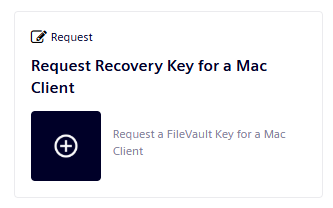
- Confirm that the correct Intune Managed Mac is selected.
- Select Order Now to complete the request.
Manager approval required
Your request must be approved by your manager.
After approval, you will receive two separate emails:
- one email with the recovery key in a password-protected file
- one email with the password needed to open that file
Reset your Mac password
After receiving your recovery key, follow these steps to reset your password:
- Shut down your MacBook.
- Press and hold the Power button until Loading startup options appears on screen.
- Select Options > Continue.
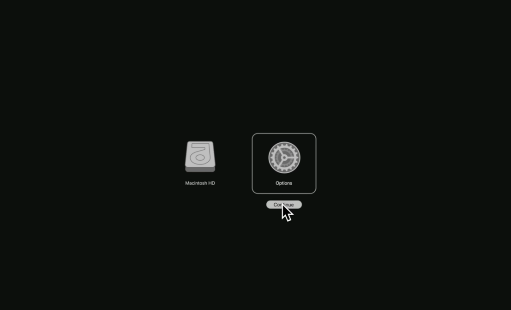
- When prompted to enter your Mac account password, select Forgot all passwords.
- Enter the recovery key you received.
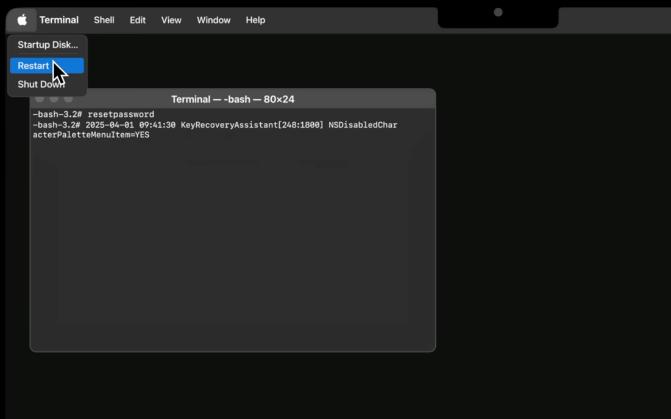
- Go to Utilities > Terminal.
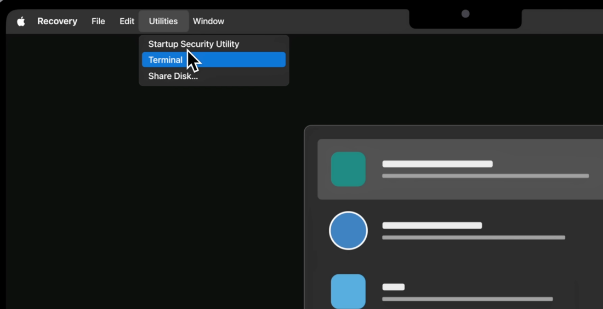
- In Terminal, run
resetpassword. - Set the new password.
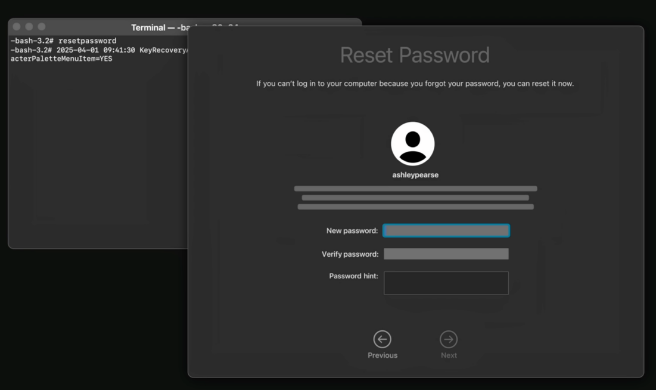
- Restart your computer so the password change takes effect.
Further information can be found in a KB article in MyIT.
Except where otherwise noted, content on this site is licensed under the Siemens Inner Source License .